FrenschConnection Logo
0,00  0

Cart

No products in the cart.

  • Deutsch

About Us

Simple
Focused on what you need — not on features for their own sake.
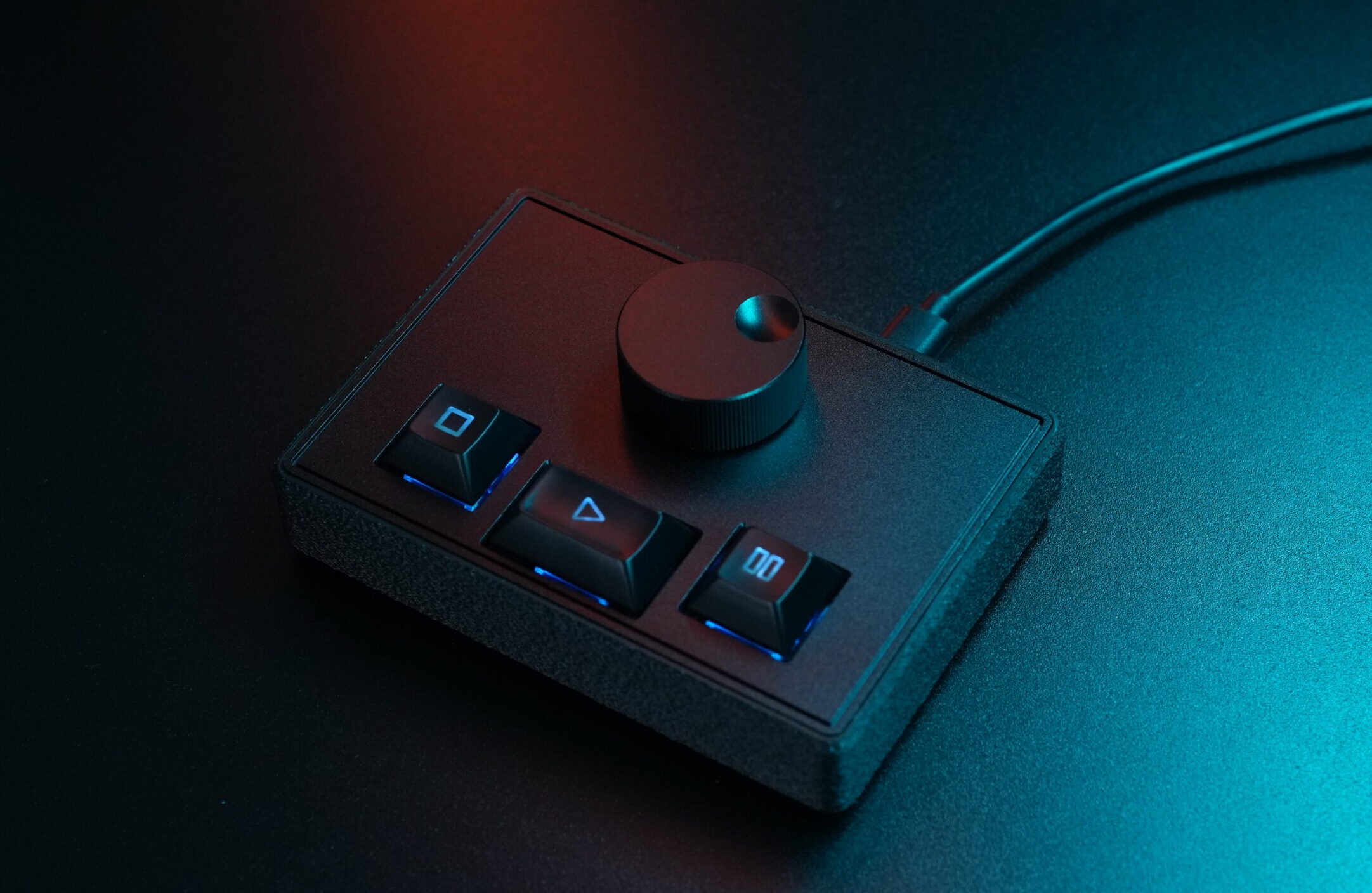
FrenschPress Midi and Network Controller
Designed with intent
Tested under real live conditions.
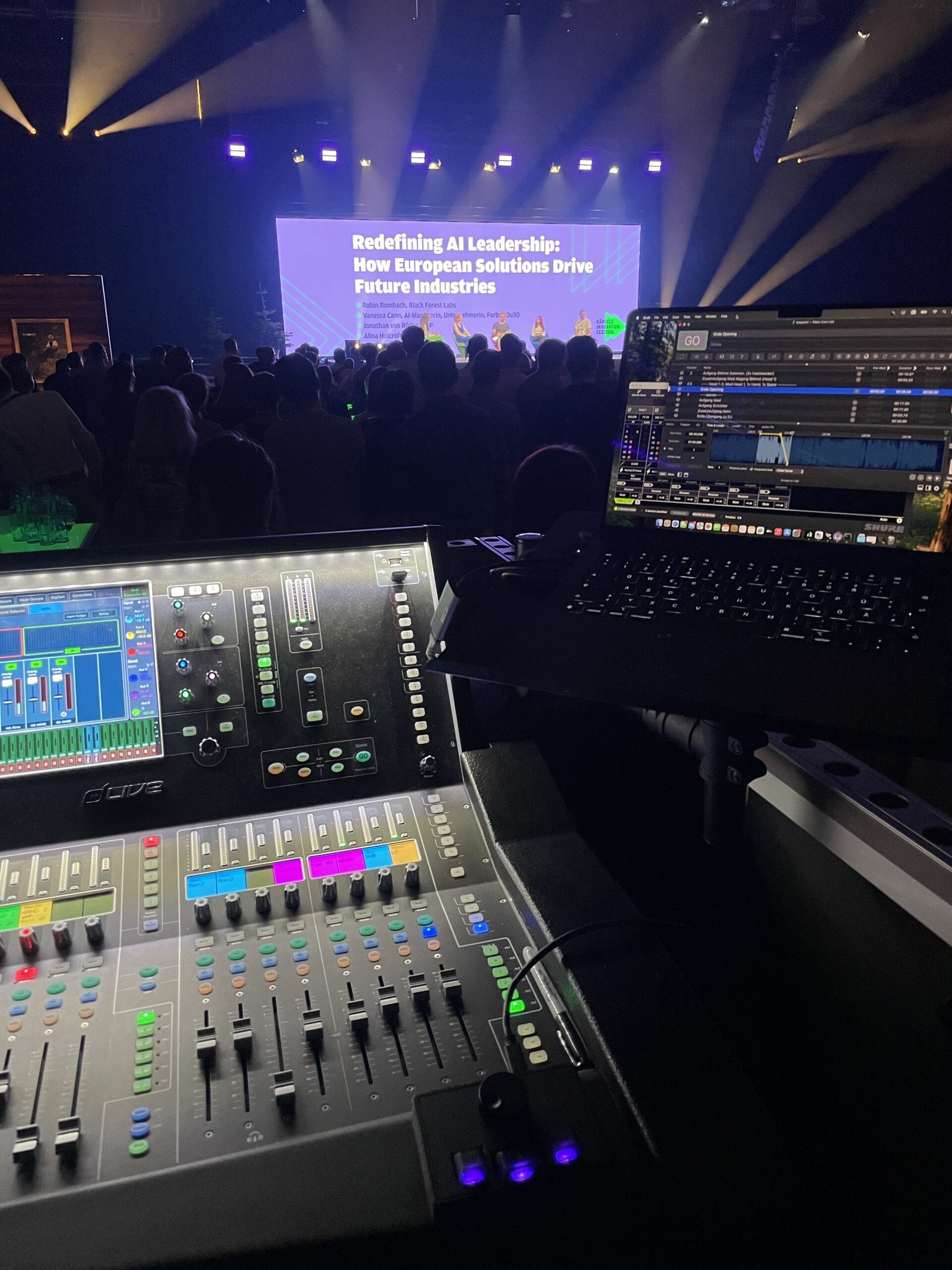
FrenschPress controlls Qlab during live Event
Reliable
A tool designed to simplify your work, not create problems.
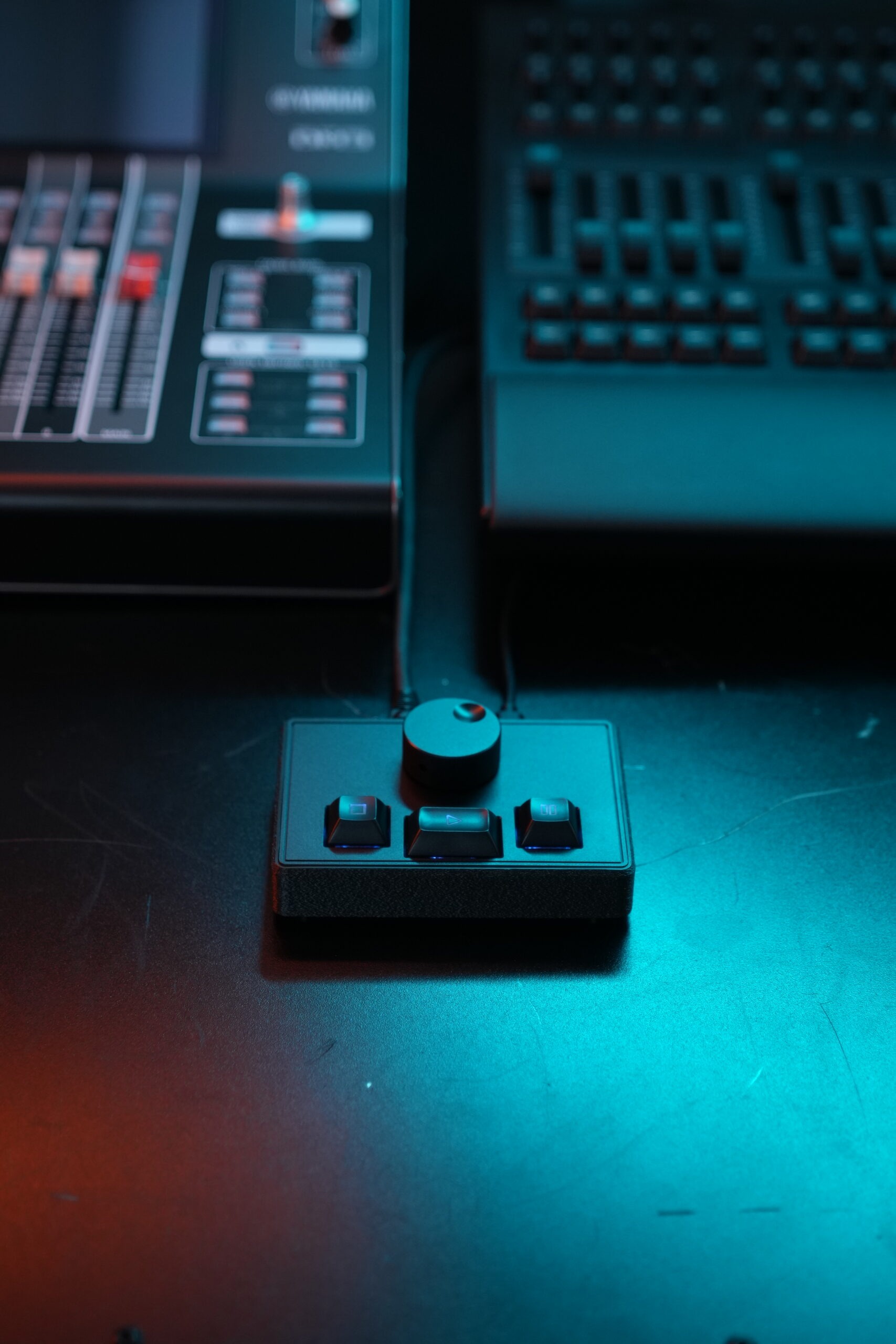
FrenschPress Midi and OSC Controller
FrenschConnection was founded by Konrad Frensch — technician, developer, coffee enthusiast, raised in the ’90s and with a fondness for wordplay. That’s how the names FrenschConnection and FrenschPress came to be.

After nearly 25 years of working in hectic live environments with overly complex or unreliable tools, one thing became clear: we need better equipment. Less gimmicks, more reliability. Hardware with the familiar tactile feel of real consoles — not yet another workaround made from a MIDI controller, an app, or a keyboard.

FrenschConnection grew out of exactly that mindset. It’s not a startup and not a business plan — it’s a personal project. The mission is simple: build tools that work without detours, without endless menus, without marathon manuals, and without stress right before the show.

All products are tested under real conditions: live, under time pressure, by technicians who have no interest in tinkering. Everything is developed, programmed, built, and shipped locally in Freiburg im Breisgau, Germany.

FrenschConnection is a small project for people who love technology but are tired of technical problems — and who want tools they can rely on when it really matters.

If you’re looking for tools for your professional daily work that simply do what they’re supposed to do, and are as reliable as your own talkback mic or multitool — welcome to FrenschConnection.

Want to get in touch?

FrenschConnection Logo
FrenschConnection GmbH

Helligestrasse 4A
79100 Freiburg

Phone: +49 (0) 761 21728146
Email: hello@frenschpress.de

Follow Us

© 2026 FrenschConnection - All rights reserved.

QLab Mode

FrenschPress kommuniziert mit QLab über Midi MSC Befehle. Da QLab auf diese standardmäßig reagiert, sind keine weiteren Einstellungen notwendig um die FrenschPress mit QLab zu verwenden. Einfach mit dem Rechner verbinden und los geht es. Plug & Play:

GO, STOP, PAUSE / RESUME, PREVIOUS / NEXT Cue, PREVIOUS / NEXT Sequenz

Das funktioniert auch wenn das Programm gerade nicht im Vordergrund ist - was z.B. bei einem Tastatur-mapping nicht geht. Deshalb kannst Du die FrenschPress z.B. auch dem Tourbegleiter an einem zweiten Bildschirm vor die Nase legen, während Du auf dem anderen Bildschirm etwas anderes machst. So kann er die Cues drücken und Du hast weiterhin Dein Spreadsheet mit dem Gesamtablauf im Blick.

Verbinde die FrenschPress mit zwei Rechnern gleichzeitig und Du hast ein vollständig redundantes Backup-System für Momente bei denen Fehler und Ausfälle keine Option sind. Die sind sowieso schon stressig genug, da müssen Sorgen ob der Zuspieler zuverlässig läuft nicht auch noch sein oder?

Ausserdem steht die Steuerung per OSC im Netzwerk zur Verfügung. Scanne das Netzwerk nach Qlab Hosts, wähle ein Master und optionales Backupsystem. Schalte in QLab die steuerung per OSC ein, nutze bei Bedarf Passcode und Workspace ID - Fertig. Egal wo Dein Qlab Server steht steuere ihn über Netzwerk.

Ein besonderes Highlight im OSC Modus ist das RGB-Feedback für QLab: So lässt sich z.B. der Status eines Cues immer an der Tasten LED ablesen – ohne dass du zusätzliche Konfigurationsschritte oder eine Drittsoftware benötigst.